Booking Trade Print Direct: Why Designers Should Skip Creative Gig Sites For Production
Designers lose margin and control when print production runs through gig platforms. Here's how to brief trade printers directly and keep the job clean.
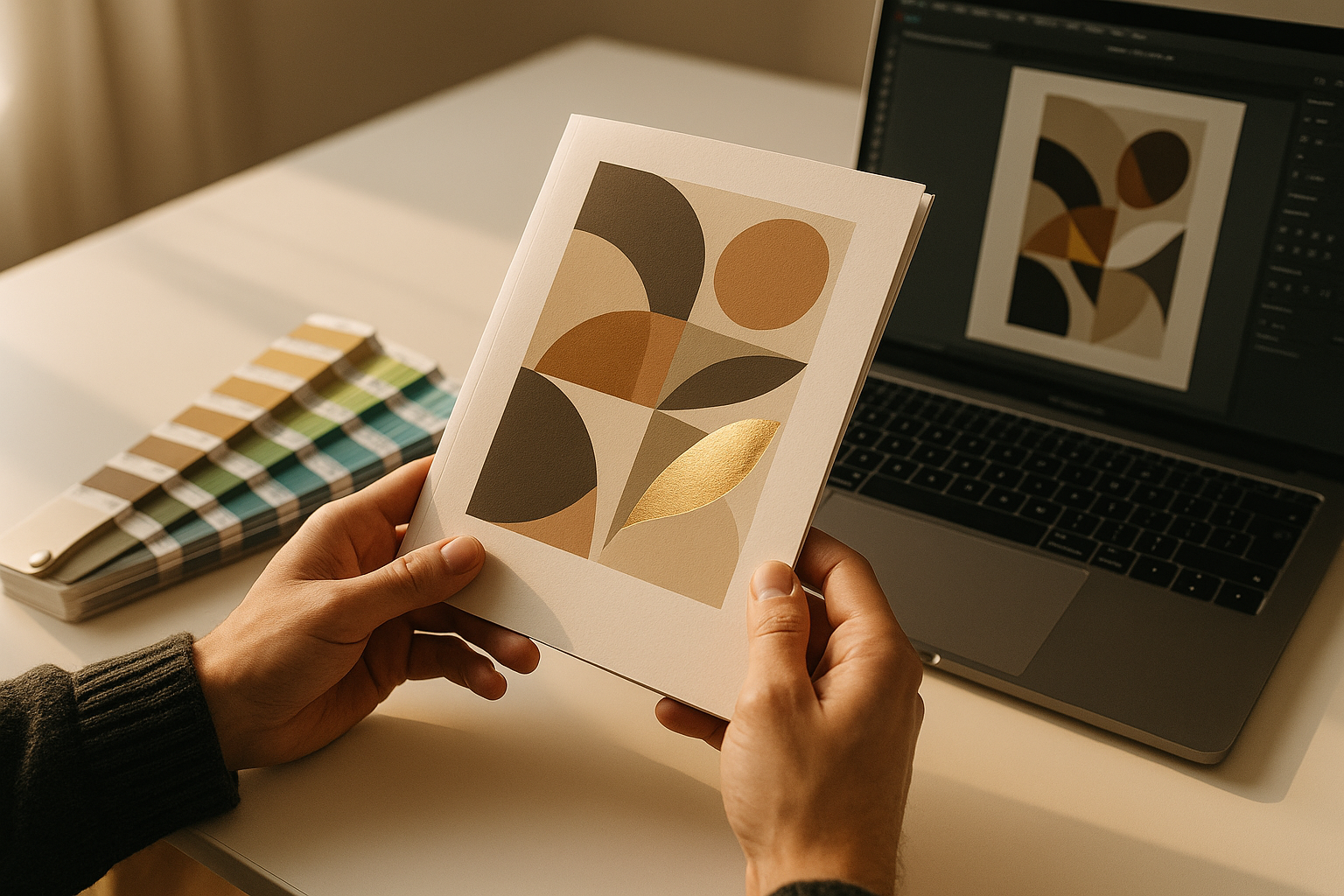
You've designed the artwork, the client has signed off, and now you need it printed properly — on the right stock, at the right GSM, with the finishing that actually matches the mockup. So why is the production job routed through a platform that takes a cut on top of the printer's price, adds a layer of messaging friction, and treats a 400gsm soft-touch business card the same as a logo redesign?
That's the mismatch a lot of independent designers and small studios are quietly running into. Creative gig platforms are built for design deliverables, not print manufacturing. And when you push production through them, everyone loses margin except the platform.
Why gig platforms are a poor fit for print production
Design is a service. Print is manufacturing. The two workflows look similar on the surface — brief, quote, deliver — but they diverge fast the moment ink hits substrate.
A gig marketplace optimises for portfolio browsing, revision cycles and digital file delivery. A print job, by contrast, needs conversations about:
- Stock weight, finish and grain direction
- Exact Pantone references vs CMYK build tolerances
- Bleed, trim marks and imposition
- Finishing sequence (laminate before or after foiling?)
- Delivery windows, pallet sizes and carriage
- Makeready costs and minimum run economics
Try having that conversation through a throttled in-platform chat where the printer is nervous about sharing a phone number in case they get flagged. It's a slow way to get a job wrong.
The commission problem nobody talks about
When a gig platform takes 20% off the printer's invoice, one of two things happens. Either the printer quietly inflates the quote to protect their margin (so you, or your client, pay more), or they accept the hit and cut corners somewhere — cheaper stock, tighter tolerances, a rushed makeready. Neither outcome serves the designer whose name is on the finished piece.
What a direct designer-to-printer relationship actually looks like
Once you strip the middleman out, the workflow gets dramatically simpler. You post a request describing the job — say, 2,000 A5 booklets, 32pp self-cover, 150gsm silk, saddle-stitched, delivered to a London postcode by a specific date. Trade printers with the right kit respond directly. You pick one, open a direct line, and talk to the estumator like a normal supplier relationship.
On ZeozGig, that flow costs a designer a fixed $1 to post the RFQ and $5 to open a direct connection with the printer they want to work with. No commission on the print invoice. No percentage taken from the supplier. If the request gets zero responses, the posting fee is refunded automatically. That's it.
The five practical benefits for designers
- Better pricing — printers quote their real number because they're not padding for a platform cut.
- Faster technical dialogue — direct chat, voice or video means you resolve stock and finishing queries in minutes, not days.
- Repeatable supplier list — once you find a trade printer who nails your work, you keep the relationship. No platform sitting between you and the next reorder.
- Clearer accountability — if a job needs a reprint, you're talking to the person who ran it, not a support ticket queue.
- Protected client margin — whatever you mark production up to on the client invoice is yours to keep.
How to brief a trade printer properly (without a project manager in the middle)
The fear a lot of designers have about going direct is that they'll get a technical question they can't answer and hold the job up. In practice, trade printers are used to guiding designers — that's literally their day job. What speeds things along is giving them enough detail up front to quote accurately.
A good print RFQ includes:
- Quantity and format — flat and finished size, page count if applicable
- Stock — weight in gsm, coating (silk/gloss/uncoated), any specialist substrate
- Colour — 4/4 CMYK, 4/0, plus any Pantone specials
- Finishing — lamination, foiling, embossing, die-cutting, folding, binding
- Quantity break — ask for pricing at two or three run lengths so you can advise the client
- Delivery — postcode, deadline, whether it's palletised or box delivery
- Artwork status — press-ready PDF with bleed, or does the printer need to prep it?
Send that to three or four printers and you'll get comparable quotes back quickly. On a direct B2B marketplace, you can shortlist based on capability (someone with an HP Indigo for short-run digital, or a B2 litho press for anything above 1,000 copies) rather than whoever the algorithm surfaces.
Building a shortlist of trade printers worth keeping
Treat the first few jobs as auditions. Note who responds fastest, who spots issues in your artwork before press, who delivers on time and who packs the job properly. Within three or four projects you'll have a shortlist of two or three trusted trade suppliers — one for digital short-run, one for litho, maybe one for wide-format or specialist finishing. That shortlist is a genuine business asset, and it's yours, not a platform's.
Keeping design and production as separate conversations
There's nothing wrong with using gig platforms for what they're good at — sourcing illustration, quick logo tweaks, or overflow design work. The point isn't to abandon them entirely. It's to stop letting them mediate a manufacturing relationship they were never designed to handle.
Separate the two. Keep design work where designers hang out. Move production onto a channel built for suppliers, quotes and direct B2B trade.
Ready to try a job direct?
If you've got a print project sitting in your inbox right now, post it as an RFQ on ZeozGig for $1 and see who responds. No commission, no subscription, no percentage of the invoice. Just you, a trade printer, and a job that gets made properly. List a design service or find production partners — either way, you keep 100% of what you earn.